Managing your focus and productivity as a Software Developer and human being is vital.
So many things are going around us - from scheduling a doctor's appointment and reading articles to finalizing a feature on a project and working on your personal website.
It takes time and effort to manage all that.
Today, I’ll share my minimalistic productivity system based on Second Brain, Kanban, and Notion.
One year ago I started looking for a way to better organize my life, knowledge, projects, andpriorities. I iteratively worked on creating a system where I can see:
- The big picture - what am I currently working on at a high level, and how does it relate to my most significant goals and aspirations?
- The weekly stuff I’m working on - what’s the week's current focus, and how does it relate to my areas of life? Is it part of the big picture, and do I get closer to my North Star?
Step 0: Find the root problem(s)
- I had many tasks on my To-Do list with no clear relation between them. How do these tasks help me achieve my end goals?
- Not being able to see the Big Picture from the current list of tasks. Do they help me achieve my end goals? Do I move toward my North Star?
- How do I manage the knowledge and resources I accumulate over time?
- Mediocre Priorities and Lack of Focus
- No single place for storing “stuff”
- Procrastination
Step 1: Starting point
I took 1 step back and decided to start with 1 book - “Building a Second Brain” by Thiago Forte to get new ideas and points of view. After reading it, I decided to try this concept and build my own Second Brain and Personal Knowledge Management (PKM) System in Notion.
I started looking on the Internet for ready-to-use templates, but what I found was either too complex to start with or just a shiny template that I had to reorganize a lot.
That’s why I decided to create a simple and minimalistic Second Brain for myself in Notion.
I followed KISS and YAGNI as principles.
Move Quickly, Touch Lightly.
What is a Second Brain?
It’s a concept that refers to a digital system for capturing, organizing, and retrieving knowledge and information. It’s a personalized knowledge management system that enhances one’s ability to store and access valuable insights and ideas.
It consists of 2 main ideas - C.O.D.E. and P.A.R.A.
C.O.D.E.
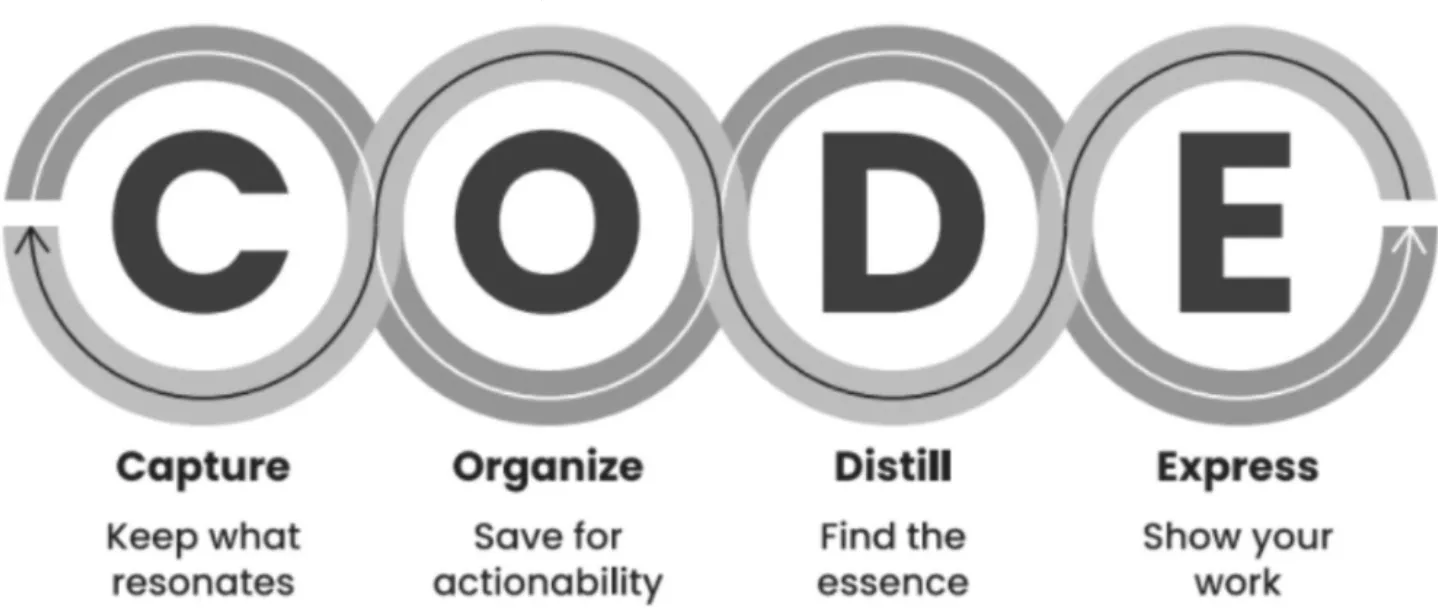
It’s a framework for effectively managing information and turning it into knowledge, emphasizing the importance of gathering, structuring, simplifying, and sharing information for better understanding and learning.
A key concept here is:
Leave it better than you found it.
Whenever we open the same note, resource, page, etc., we organize it, summarize it, and leave it more compact than before. Over time, everything will be put into place.
P.A.R.A.
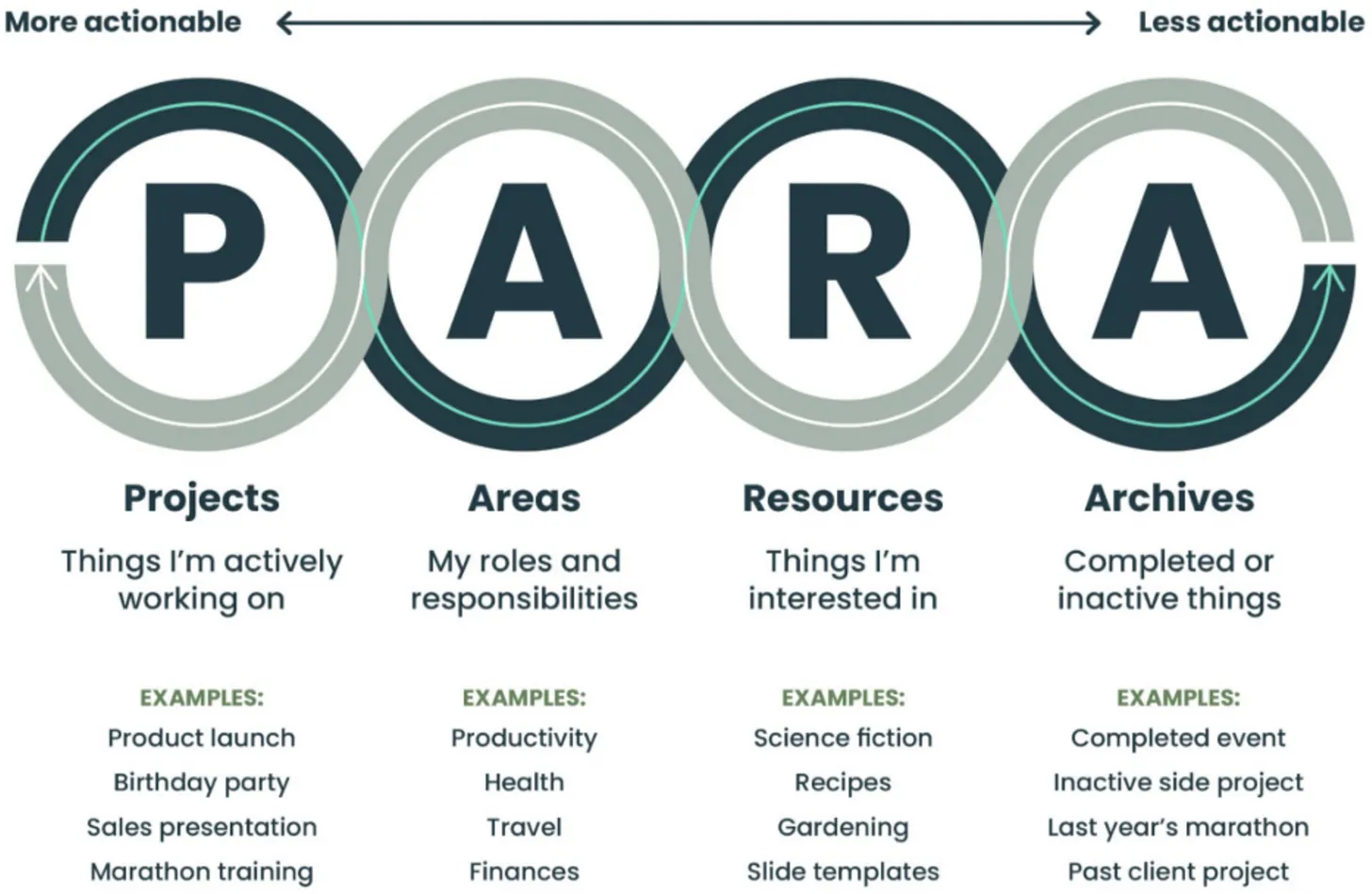
It’s a framework used to categorize, organize, and manage different types of digital content.
It helps to maintain clarity and structure in our digital lives.
The main idea is to organize your notes based on their actionability.
Step 3: Crafting my Minimalistic Productivity System
The Second Brain - storing information and knowledge
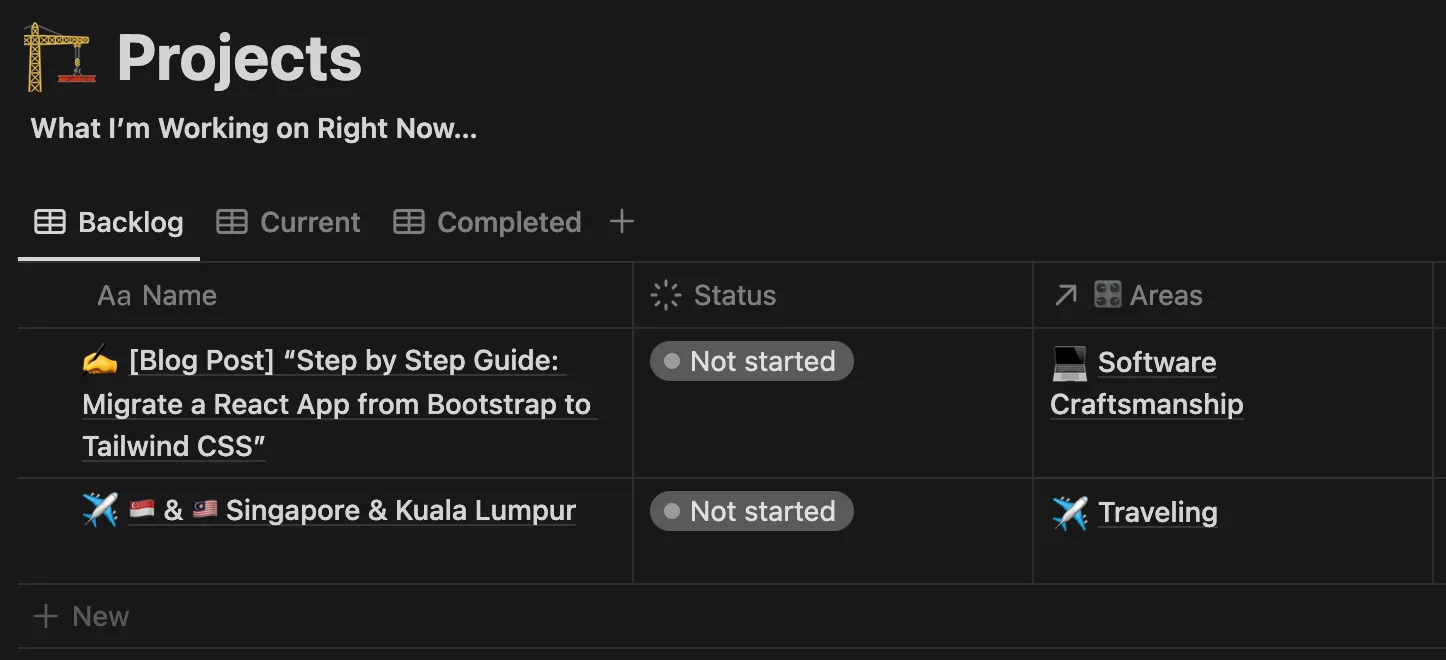
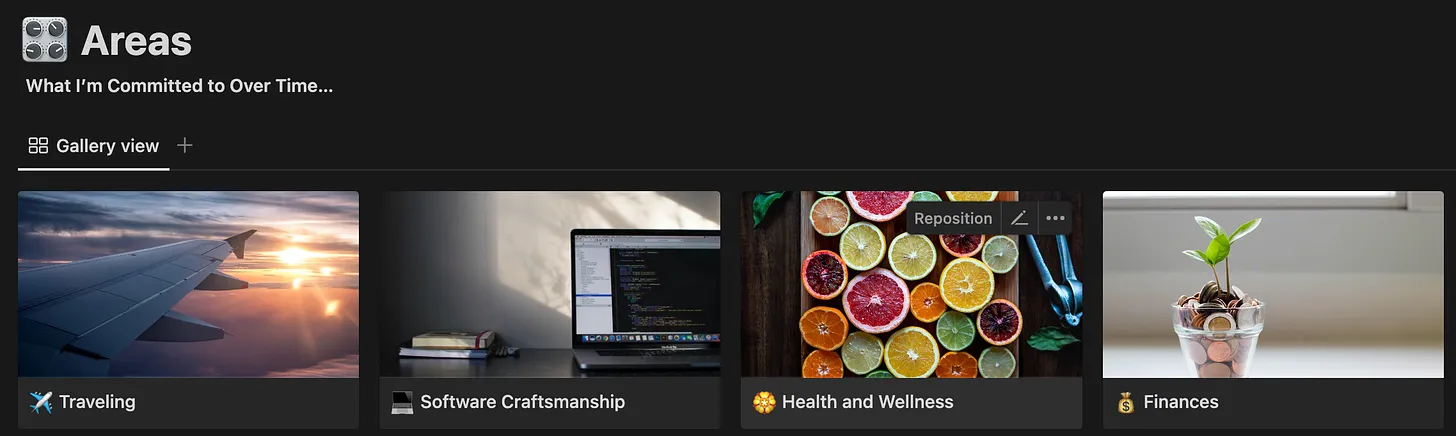
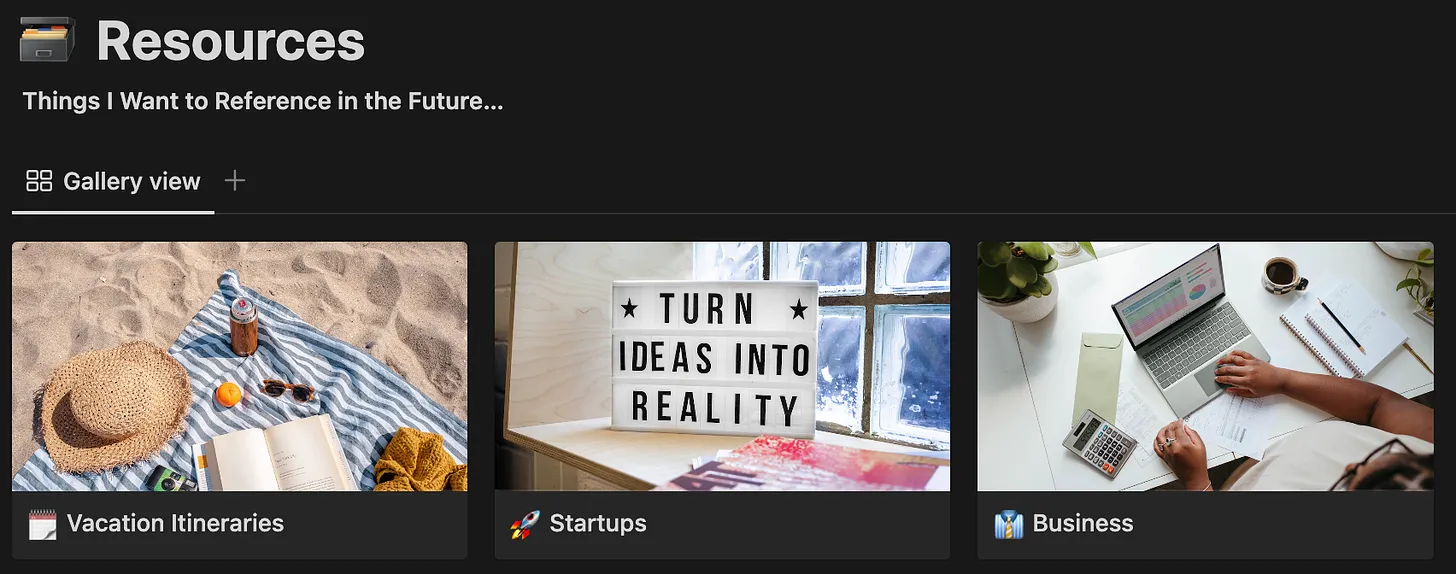
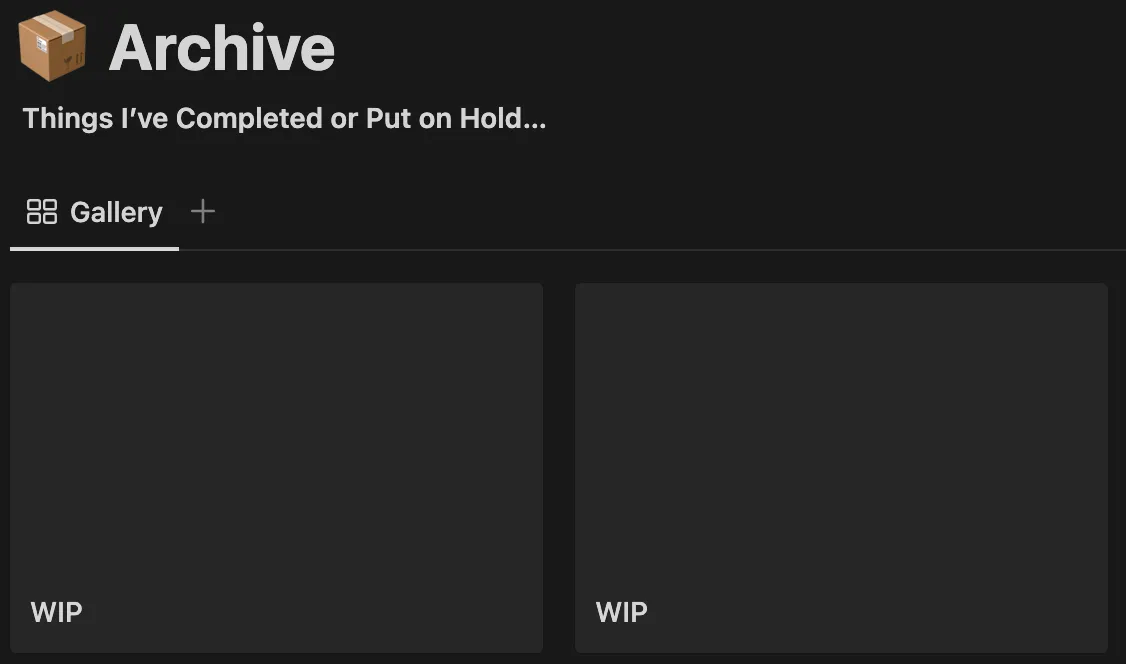
As you can see, it’s really simple and minimal. I improve it over time when I see that the current structure is not good enough.
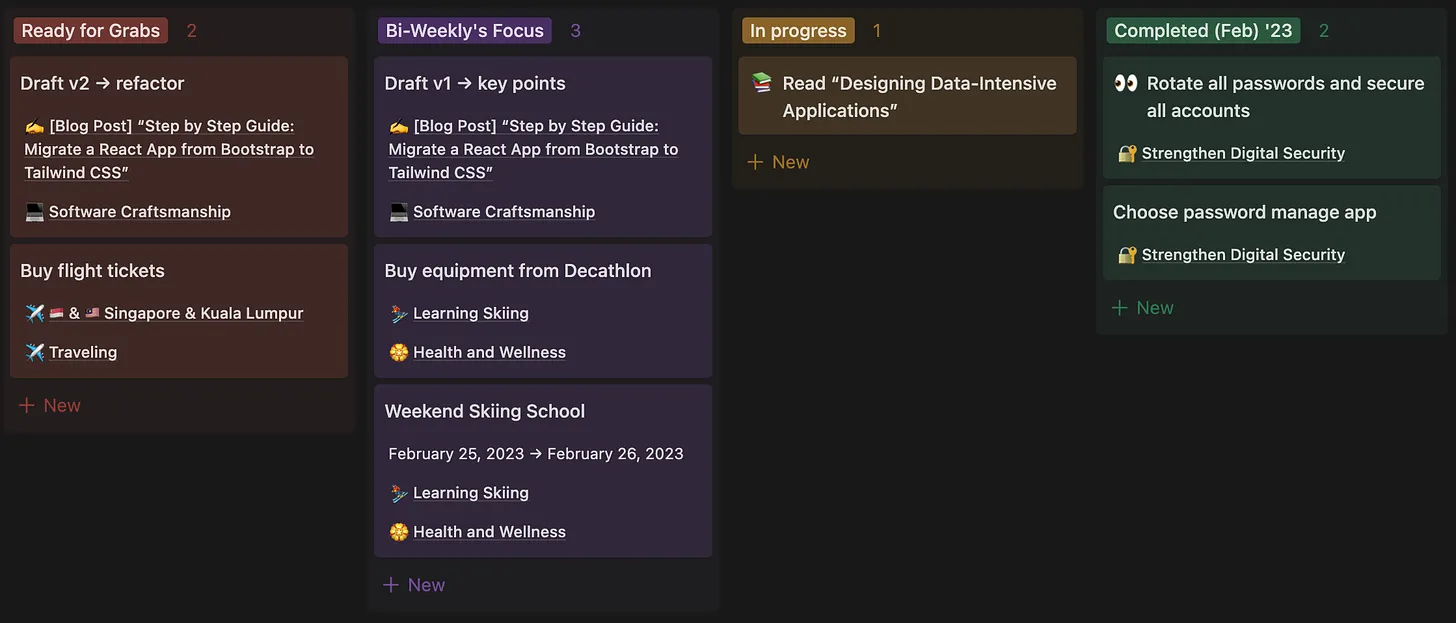
The Kanban Board - all tasks and their relations to the projects
The Results
Now, I can see the Bigger Picture and how the tasks relate to each other.
I have more clarity on what areas of our lives I work on each week and what’s the biggest goal I’m trying to achieve.
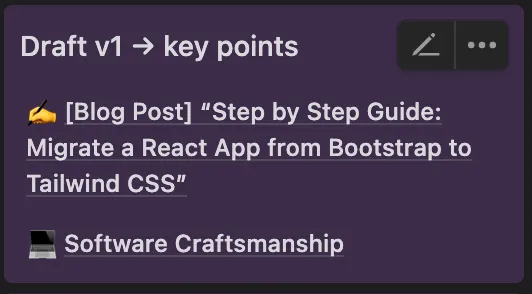
For instance, Draft v1 → key points is a task to help me kick in the blog post. I see that it’s related to my Software Craftsmanship enhancement and progress.
Of course, nothing should be part of a more significant project.
Reading a book is a task on its own. We do it for fun, learning, or something else. If you think it’s part of something bigger, add it. If not, leave it on the Board so you can track it.
My current workflow and system
Having my Second Brain + Kanban Tasks Board in Notion gives me more clarity and visibility about my current priorities, work of focus, aspirations, and projects.
I can see which areas of my life I’m working on and which lack care.
I have a scheduled event on my Calendar every 2 weeks to review the last 2 weeks and plan the next 2 weeks. This way, I’m flexible enough to change my trajectory at any time but still focused on certain things for at least 2 weeks.
On each Review, I do a Retrospective - what went well, what can be improved, and write down some ups & downs, if any.
📋 Recap
- Don’t try to make it right from the first try. Embrace the iterative approach. Every time, make it better than before.
- I use Second Brain in Notion to store knowledge and information.
- I use Kanban Board in Notion to see the current tasks and their relations to the Projects, part of the Second Brain.
- The Minimalistic Productivity System helps me get more clarity and visibility about my current priorities, work of focus, aspirations, and projects.